

Microsoft Workloads on AWS
Optimizing the performance, security, and scalability of your Microsoft workloads on AWS can result in cost savings and increased efficiencies.
Our Microsoft Workloads on AWS Capabilities
We run Windows Server, SQL Server, and .NET applications on AWS with the performance, licensing efficiency, and security your business depends on.
Improved Performance
Windows Server, SQL Server, and .NET applications on AWS can use instance types sized for them, Auto Scaling, and Elastic Load Balancing to handle changing demand. We tune the architecture and each workload's configuration so business-critical systems stay responsive and reliable.
Speed to Market
We combine DevOps practices with AWS automation (for example AWS CodePipeline or GitHub Actions, and AWS Systems Manager) to build, test, and deploy Microsoft applications with less manual work, so updates ship faster without sacrificing quality.
Future-Ready
Once Microsoft workloads run on AWS, they can be modernized step by step, for example moving .NET Framework applications to modern .NET on Linux containers, or SQL Server to Amazon RDS or Aurora, reducing the overhead of maintaining ageing Windows and SQL Server infrastructure.
Operationally Efficient
Automating monitoring, patching, backup, and resource management with services such as AWS Systems Manager and AWS Backup gives you better visibility of your Microsoft workloads and makes them cheaper and more reliable to run.
Security and Compliance
We set up identity integration with Active Directory (AWS Managed Microsoft AD or your existing domain), encryption, network controls, and continuous monitoring, and track Microsoft license usage so it stays aligned with your entitlements.
What We Do
We move Windows Server, SQL Server, and .NET workloads to AWS and keep them running at lower cost. Our team handles licensing, architecture, migration, and ongoing operations so your applications perform better than they did on-premises.

Establish AWS Foundations
We build a secure, scalable AWS foundation for Windows Server, SQL Server, Active Directory, and .NET workloads, using infrastructure as code and DevOps practices so governance and compliance controls are in place from the start.

Migrate & Modernize
Our expert team helps you migrate your Windows, SQL & .NET applications from on-premises to AWS with minimal disruption to your organization. In addition to migrating your applications, we will also modernize architecture through improved resiliency, scalability, and performance. The result of this combined effort will be greater ease in management of cloud-native applications, faster innovation of new features, and a more agile response to evolving business needs.

Cost Optimization
Our goal is to help you maintain control over your cloud budget by providing the best possible way for you to maximize your Microsoft licensing using AWS. We achieve this by lowering the total cost of ownership while maintaining performance through the use of license mobility, the right sizing of your resources, and the adoption of cost governance practices. As a result, you'll achieve maximum value from your Microsoft investments and AWS infrastructure.

Automated Security & Compliance
We automate security controls, identity and access management, and compliance checks for your Microsoft workloads on AWS, using services such as AWS Security Hub, Amazon GuardDuty, and AWS Config, so you reduce risk and can show how you meet your regulatory obligations.

Disaster Recovery for Microsoft Workloads
Utilizing multi-region architecture with automation to design resilient disaster recovery solutions on AWS for your Windows and SQL workloads, we can achieve both low recovery time objectives (RTOs) and recovery point objectives (RPOs). Having these capabilities will help provide business continuity, reduce the amount of time businesses experience their systems down, and allow them to have peace of mind that their critical applications will be protected in the event of an unplanned disruption.
Benefits of Microsoft Workloads on AWS
Active Directory, SQL Server, and .NET applications on AWS, with the same identity integration, license portability, and compliance controls they had on-premises.
Improved Application Performance
AWS offers a wide range of instance types suited to Windows and SQL Server workloads.
Faster Time to Market
Automated deployment and DevOps practices make releases faster and more frequent.
Cost Optimization and Licensing Flexibility
Right-sizing, License Mobility, and license-included options can reduce infrastructure and licensing costs.
Enterprise-Grade Security and Compliance
Identity integration, encryption, and continuous monitoring protect your workloads and support compliance.
High Availability and Disaster Recovery
Multi-Availability-Zone designs and AWS Elastic Disaster Recovery help your business keep running after an unexpected outage.
Future-Ready Modernization
Legacy Microsoft workloads can be modernized gradually with containers and managed services, improving scalability over time.
How We Achieve Results
We assess your current Windows Server and SQL Server environment, design an AWS architecture that fits your licensing and compliance needs, then migrate and tune each workload for ongoing performance.

Strategic Assessment & Workload Readiness
Each engagement starts with a close look at your current Microsoft environment (Windows Server, SQL Server, .NET) and your licensing. We assess performance, dependencies between systems, and your business goals, and turn that into a migration roadmap that delivers the most value for the least risk.
Secure & Optimized AWS Architecture
We design each workload's AWS architecture individually, covering identity, networking, security, and scalability, so it runs as intended and follows current AWS and Microsoft best practice.

Migration With Minimal Downtime
Using proven migration frameworks and automation tools, we move your Microsoft workloads from your existing environment to AWS with minimal disruption to business processes. We phase the migration to protect business continuity and data integrity, so your team's workflows keep running throughout.

Continuous Optimization & Managed Support
After migration, we keep monitoring performance and cost, right-size resources, and apply updates. Ongoing support is available if you want us to stay involved.
Related guides from our team
Practical guides from the KPThink team on the cloud topics that come up most often in this kind of engagement.

Benefits of Using Microsoft Intune for Your Business
In today’s digital-first world, managing devices and ensuring data security is more...
Discover More: Benefits of Using Microsoft Intune for Your Business
What Are the Ways to Reduce Costs in Any Cloud Platform?
Eight proven strategies to cut cloud costs, from right-sizing to reserved instances and spot compute.
Discover More: What Are the Ways to Reduce Costs in Any Cloud Platform?
How to Upgrade Appian HA to the Latest Version
Appian is a leading platform for enterprise automation, helping organizations cut process bottlenecks and reduce the manual work that slows teams down.
Discover More: How to Upgrade Appian HA to the Latest Version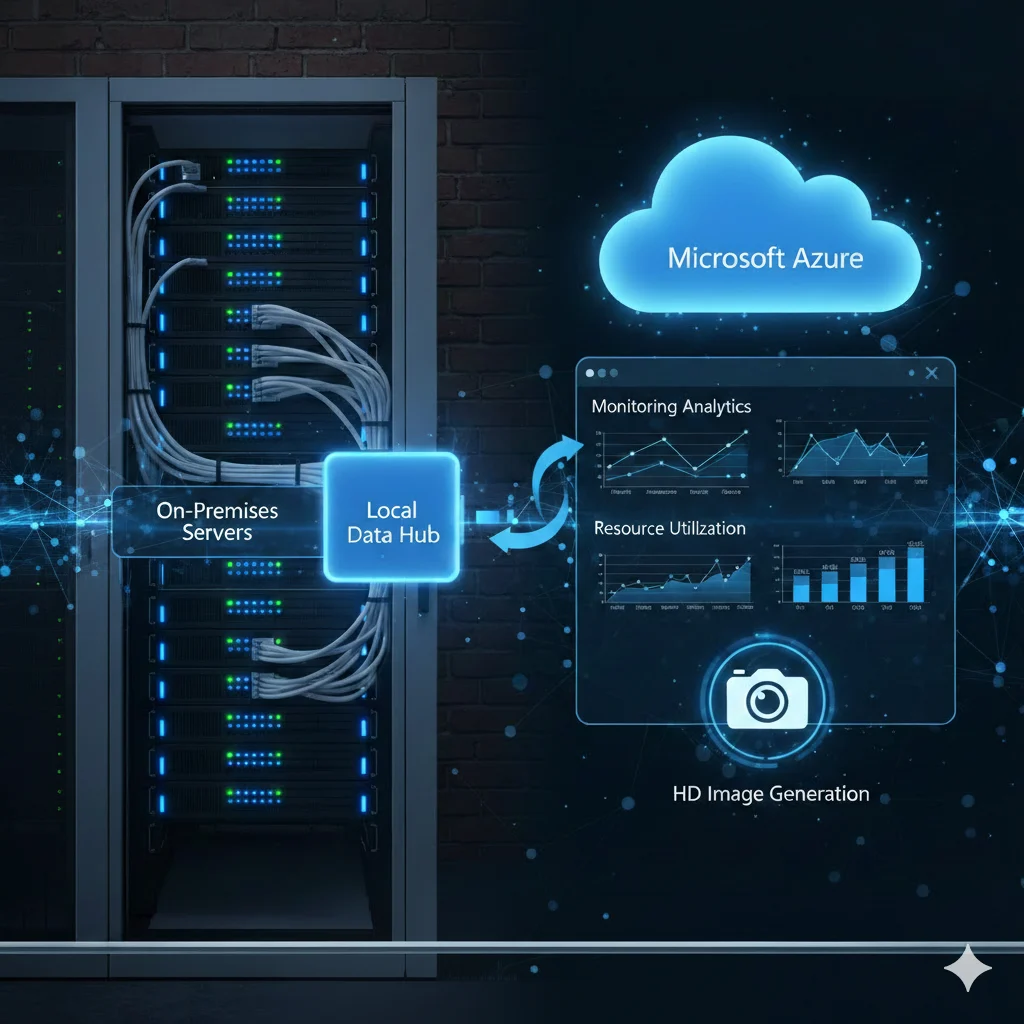
Ways to Connect On-Premises Servers to Azure for Monitoring
Three ways to connect on-premises servers to Azure Monitor: Azure Arc, Log Analytics, and VPN.
Discover More: Ways to Connect On-Premises Servers to Azure for MonitoringWhy Choose Us?
The advantages that set our team apart: security-first delivery, cloud expertise, and support that scales with your business.
Frequently Asked Questions
How much does a Microsoft Workloads on AWS engagement cost?
Pricing depends on the number of Windows Server and SQL Server workloads you're migrating, your current licensing position, and how much architecture redesign is needed. Visit our pricing page for current packages, or share your workload inventory for a scoped quote.
How long does it take to migrate SQL Server to AWS?
Industry-typical timelines run 8 to 12 weeks per workload, depending on licensing complexity and how much modernization is needed. Straightforward lift-and-shift migrations land on the shorter end; multi-workload environments with SQL Server clustering or compliance requirements take longer.
What does KPThink's process for moving Microsoft workloads to AWS look like?
We start with a strategic assessment of your current Windows Server, SQL Server, and .NET environment, then design a secure, optimized AWS architecture around it. We migrate workloads in phases to minimize downtime, then provide ongoing optimization and managed support to keep performance and costs in check.
What do we need before starting a Microsoft Workloads on AWS project?
You need administrative access to your AWS account, an inventory of your current Windows Server and SQL Server workloads along with their licensing details, and a technical stakeholder available to plan cutover windows. Details on application dependencies also help us sequence the migration correctly.
Latest from our blog
Explore expert insights, industry trends, and practical strategies shaping modern cloud, security, and digital transformation.