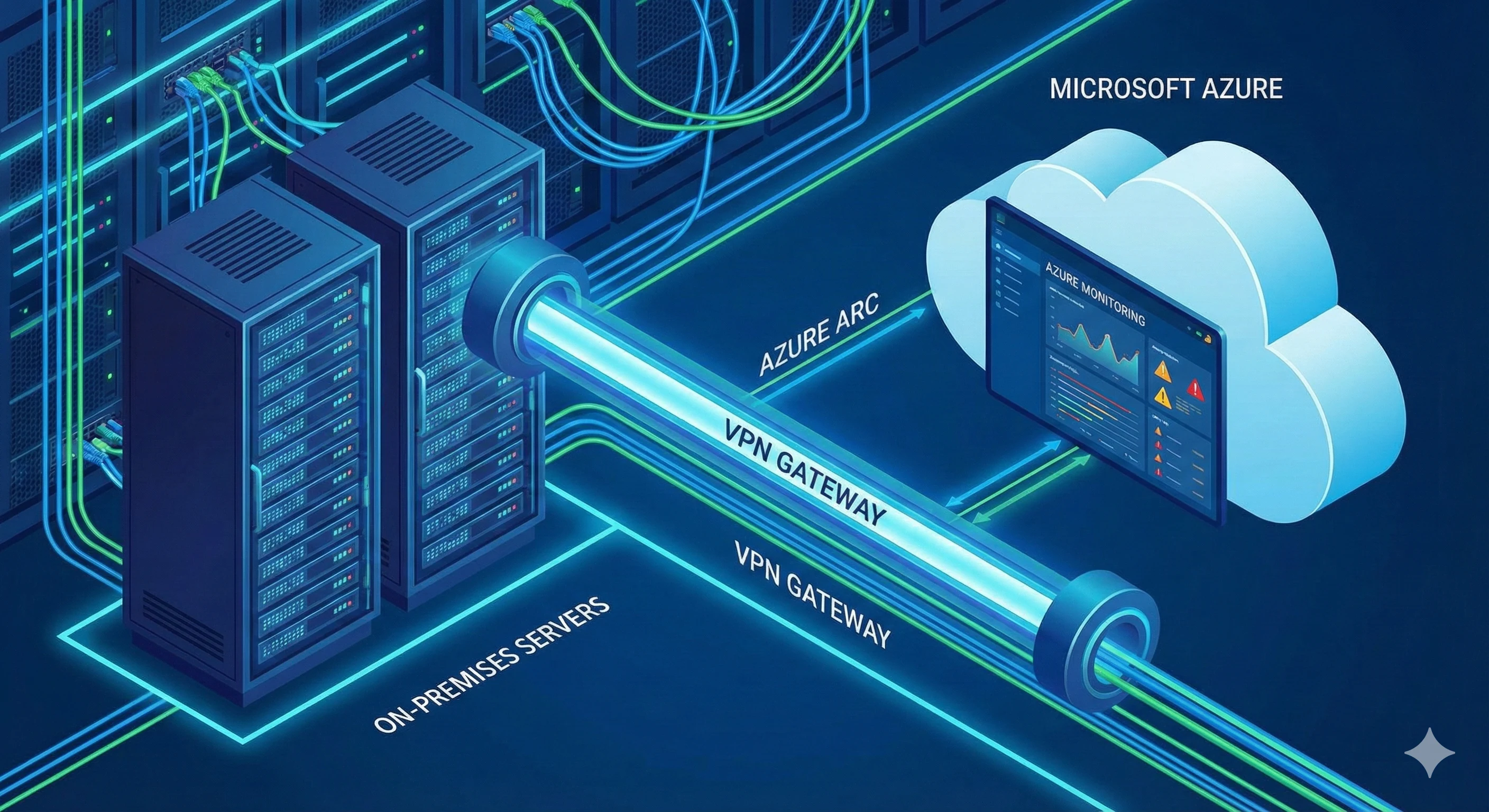


Azure Foundations & Migrations
Whether you are rehosting, replatforming, or rearchitecting, KPThink builds a well-governed Azure foundation first and then moves your workloads onto it in planned phases.
Our Azure Foundations & Migrations Competencies
These are the core capabilities behind every Azure Foundations and Migrations engagement: landing zone architecture, workload migration, governance guardrails, network connectivity, and cost visibility from day one.
Improved Performance
Azure managed services such as Virtual Machine Scale Sets, Azure Load Balancer, and App Service scale with demand and recover from instance failures without manual intervention.
Cost Reduction
Pay-as-you-go pricing, reservations, and savings plans, combined with Azure Cost Management budgets and alerts, keep spend visible and matched to actual usage.
Speed to Market
Azure DevOps or GitHub Actions pipelines deploy infrastructure and applications the same way every time, which shortens delivery cycles and reduces release risk.
Technical Talent
Engineers generally prefer working with infrastructure as code, modern CI/CD, and managed services over hand-maintained servers. A well-built Azure foundation gives them that.
Future-Proofing Capabilities
A landing zone built on the Microsoft Cloud Adoption Framework and Azure Well-Architected Framework is easier to extend, audit, and secure as your use of Azure grows.
Security and Compliance
Every Azure foundation we build includes identity controls in Microsoft Entra ID, Azure Policy guardrails, centralized logging, and data protection settings. These give you a sound base for meeting industry standards, though compliance also depends on your own processes and how workloads are operated.
What We Do
We design well-governed Azure landing zones and move workloads onto them through structured, phased migrations. Every foundation we build combines identity, network, and policy controls so your environment stays compliant as it scales.

Establish Azure Foundations
Build an Azure landing zone with infrastructure as code (Bicep, ARM templates, or Terraform): management groups, subscriptions, identity, networking, and Azure Policy guardrails, so every new workload lands in a secure, compliant environment from day one.

Migrate & Modernize
Move workloads in planned waves using Azure Migrate for discovery and assessment, following the Microsoft Cloud Adoption Framework. Where it pays off, we modernize during the move, for example from virtual machines to Azure App Service or managed databases.

Cost Optimization
Reduce maintenance and expenses by implementing the optimum pricing model for each task, taking advantage of savings programs, on-demand scaling, resource pooling, and spot capacity.

Disaster Recovery
Agree recovery time and recovery point objectives for each workload, then design disaster recovery with Azure Site Recovery, Azure Backup, and paired-region architectures to meet them, and test failover rather than assuming it works.

Automate Security & Compliance
Protect your workloads by automating security with guardrails and using proven security frameworks. By implementing DevSecOps concepts in your infrastructure, you may maintain and automate compliance with protocols such as PCI or HIPAA.

Advanced Networking
Design hub-and-spoke or Virtual WAN networking with Azure Virtual Networks (VNets), private endpoints, Azure Firewall, and hybrid connectivity over VPN Gateway or ExpressRoute, plus load balancing sized for your traffic.
Benefits of Azure Foundation & Migration
Landing zones, IAM architecture, and governance baselines deployed in defined phases, with milestones and timelines, not open-ended scope.
Future-Ready Cloud Architecture
A well-governed Azure foundation gives you a secure, managed base that can grow with new workloads without being redesigned.
Improved Security and Compliance
Built-in identity management, policy guardrails, and logging help protect your data and make it easier to demonstrate compliance with industry requirements.
Lower Infrastructure and Operational Costs
Moving to Azure reduces dependence on your own hardware and shifts spending to pay-as-you-go, which is easier to forecast and right-size.
Enhanced Performance and Reliability
Azure regions, availability zones, and paired-region recovery options improve availability and shorten recovery after an outage.
Faster Innovation and Time to Market
With automated deployments and managed services, teams spend less time on infrastructure and more on delivering new features.
Simplified Management and Visibility
Centralized tools for monitoring, governance, and management make it easier to run, improve, and expand your cloud environment.
How We Achieve Results
We begin with a migration readiness assessment, then design the landing zone your workloads will move into before running the migration in defined phases. Governance and cost controls stay in place after go-live, not just during the project itself.

Readiness Assessment First
We start with a migration readiness assessment: an inventory of servers, databases, and applications, their dependencies, and the tooling gaps that would slow a move. We work back from your business goals to decide what to rehost, what to modernize, and what to retire.

Engineered Cloud Foundations for Secure, Scalable Performance
We then design the Azure landing zone and target architecture, prioritizing security, availability, and cost. Where data platforms are in scope, our data engineers design those alongside the core infrastructure.

Phased, Tailored Migrations
Every estate is different, so migrations run in waves planned around your dependencies and business calendar. Each wave is tested and signed off before the next begins, to keep disruption low.

Beyond Migration: Building Your Team's Long-Term Skills
We document the environment and train your team as we go, so you can run it independently after go-live rather than depending on us for day-to-day operations.
Related guides from our team
Practical guides from the KPThink team on the cloud topics that come up most often in this kind of engagement.

Benefits of Using Microsoft Intune for Your Business
In today’s digital-first world, managing devices and ensuring data security is more...
Discover More: Benefits of Using Microsoft Intune for Your Business
What Are the Ways to Reduce Costs in Any Cloud Platform?
Eight proven strategies to cut cloud costs, from right-sizing to reserved instances and spot compute.
Discover More: What Are the Ways to Reduce Costs in Any Cloud Platform?
How to Upgrade Appian HA to the Latest Version
Appian is a leading platform for enterprise automation, helping organizations cut process bottlenecks and reduce the manual work that slows teams down.
Discover More: How to Upgrade Appian HA to the Latest Version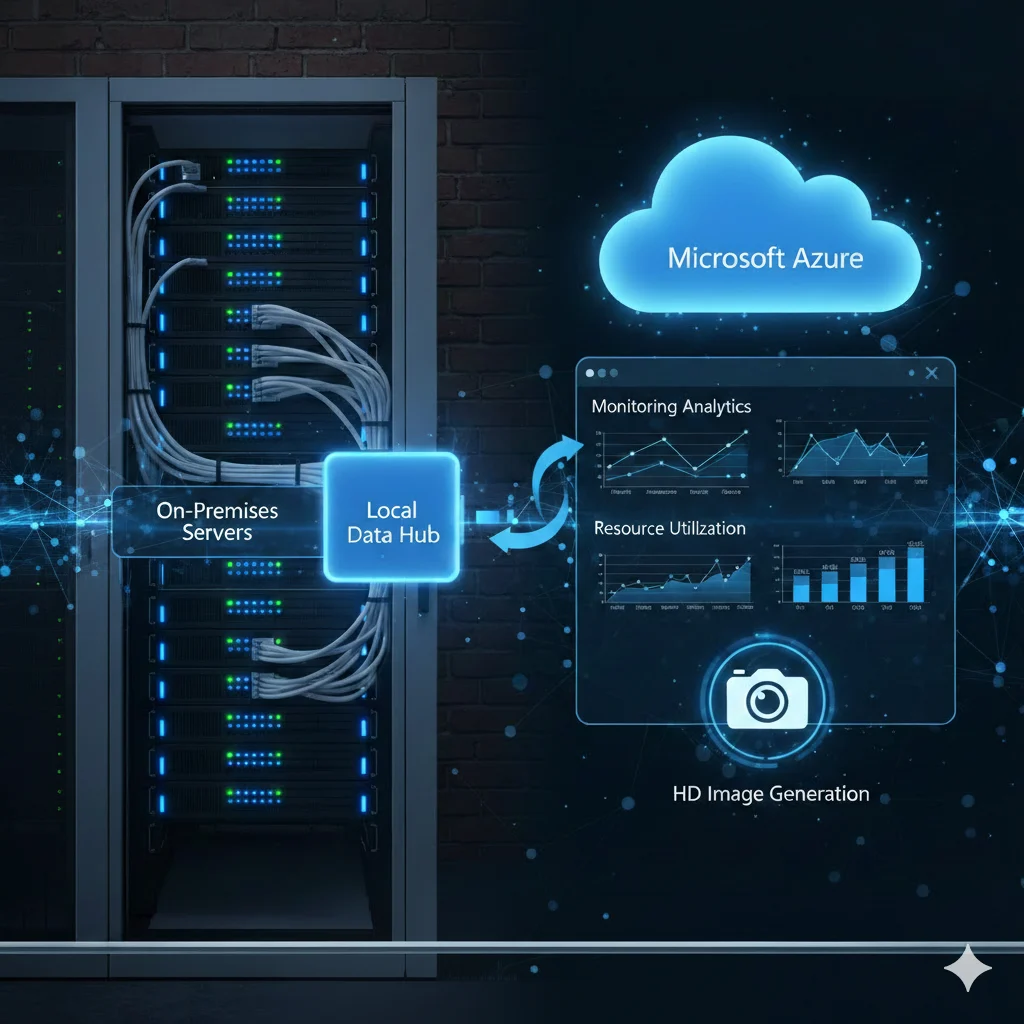
Ways to Connect On-Premises Servers to Azure for Monitoring
Three ways to connect on-premises servers to Azure Monitor: Azure Arc, Log Analytics, and VPN.
Discover More: Ways to Connect On-Premises Servers to Azure for MonitoringWhy Choose Us?
The advantages that set our team apart: security-first delivery, cloud expertise, and support that scales with your business.
Frequently Asked Questions
How much does an Azure Foundations and Migrations engagement cost?
Pricing depends on the size of your environment, the number of workloads you are migrating, and the depth of governance and networking work required. Visit our pricing page for current packages, or share your Azure Migrate assessment for a scoped quote.
How long does an Azure migration take?
Industry-typical timelines for landing zone setup plus a first migration wave run 6 to 12 weeks, depending on how many workloads are moving and how complex your network and governance requirements are. Straightforward lift-and-shift projects land on the shorter end, while migrations with heavy modernization or compliance needs take longer.
What does KPThink's Azure migration process look like?
We start with a full migration readiness assessment to map your workloads and dependencies, then design an Azure landing zone built for security and cost efficiency. Migrations run in phases with defined milestones, and we hand off governance practices and training so your team can run the environment independently afterward.
What do we need before starting an Azure Foundations and Migrations project?
You need administrative access to your Azure subscription or tenant, an inventory of the workloads and dependencies you plan to move, and stakeholder sign-off on the target landing zone architecture. Details on your existing on-premises connectivity also help us plan ExpressRoute or VPN Gateway setup early.
Latest from our blog
Fresh perspectives on cloud, security, and AI, curated to keep you informed and ready for what’s next.